Share Your Screen
The Way You Want
Privacy-focused, cross-platform screen region sharing for video conferencing


Privacy-focused, cross-platform screen region sharing for video conferencing
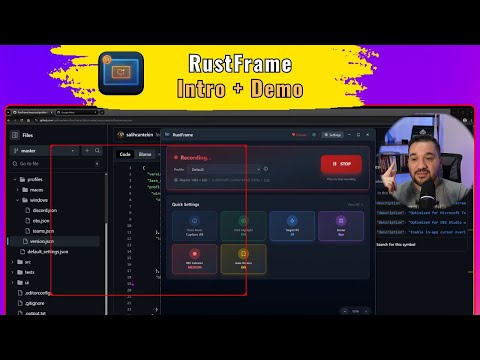
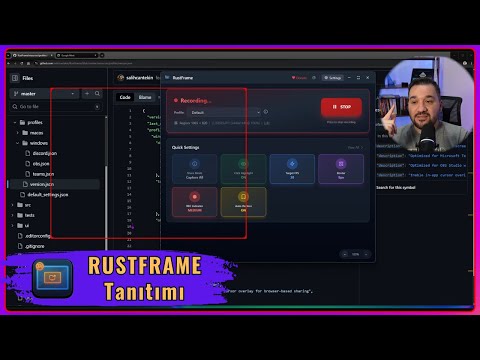
RustFrame lets you share a specific part of your screen instead of your entire desktop. Perfect for ultra-wide monitors, multi-monitor setups, and keeping your private information private during video calls.
Select exactly what you want to share with a draggable, resizable border
No account, no cloud, no telemetry. Everything runs locally on your machine
GPU-accelerated capture with minimal CPU usage. Smooth and responsive
Seamlessly works across multiple displays and ultra-wide screens
Adjust borders, highlights, cursor, FPS, and more to fit your workflow
Works on Windows, macOS, and Linux (experimental)
Open the application on your computer
Click Settings → Region tab → Enable Preview Border
Drag and resize the border to cover the area you want to share
Click "Start Capture" button
In your video app, share the "RustFrame - Share This Window" window
Note: You can move and resize the border during capture. The preview window is what you share, not the border window.
Capture Method: Windows Graphics Capture (WGC)
Rendering: DirectX 11 (GPU)
Performance: ~8-10% CPU
Fallback: GDI (CPU)
Capture Method: ScreenCaptureKit
Rendering: Metal (GPU)
Performance: ~5-8% CPU
Requirements: Screen Recording + Accessibility permissions
Capture Method: CoreGraphics
Rendering: CPU fallback
Performance: ~10-15% CPU
Capture Method: X11/Wayland
Rendering: wgpu
Performance: Varies
Status: In development
Installation, usage, and troubleshooting
Architecture, building, and contributing
Platform details and internals
Platform-specific configuration
Download RustFrame and start sharing your screen with confidence